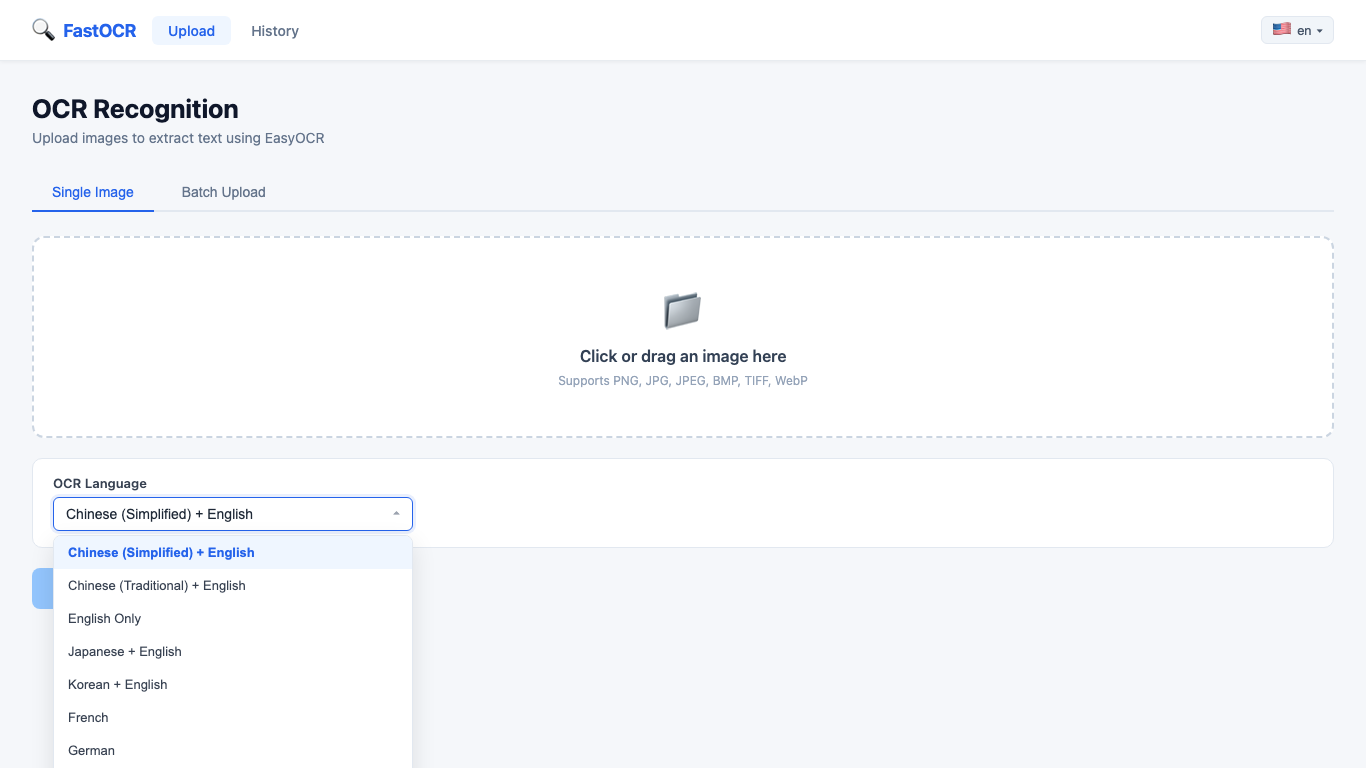
80+ OCR Languages
Choose one or multiple recognition languages before scanning images and documents.
AI-powered OCR that supports 80+ languages. Upload any image and get accurate text in seconds — no internet required.
The app is built for real OCR workflows: single screenshots, multilingual documents, batches, saved history, and copy-ready results.
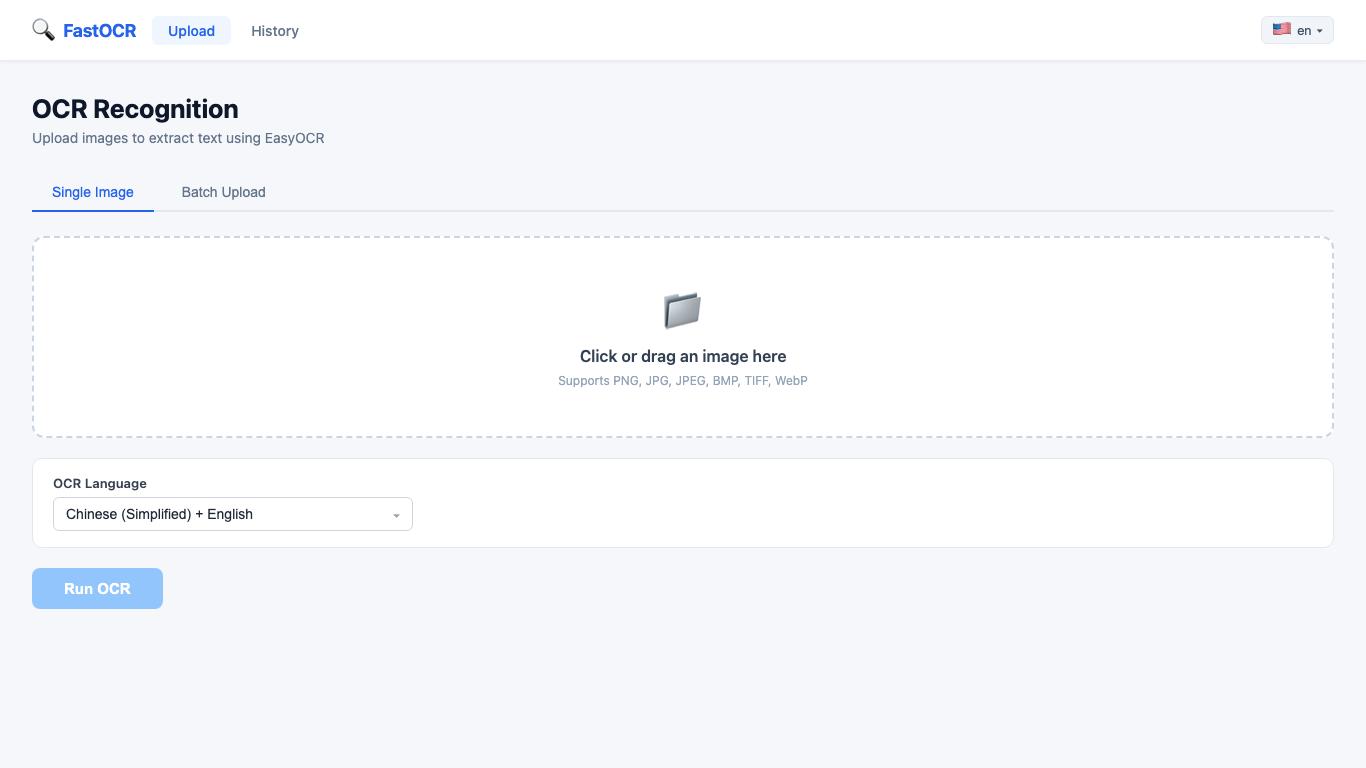
Start with one image, select OCR languages, and run local text recognition without sending files online.
Choose one or multiple recognition languages before scanning images and documents.
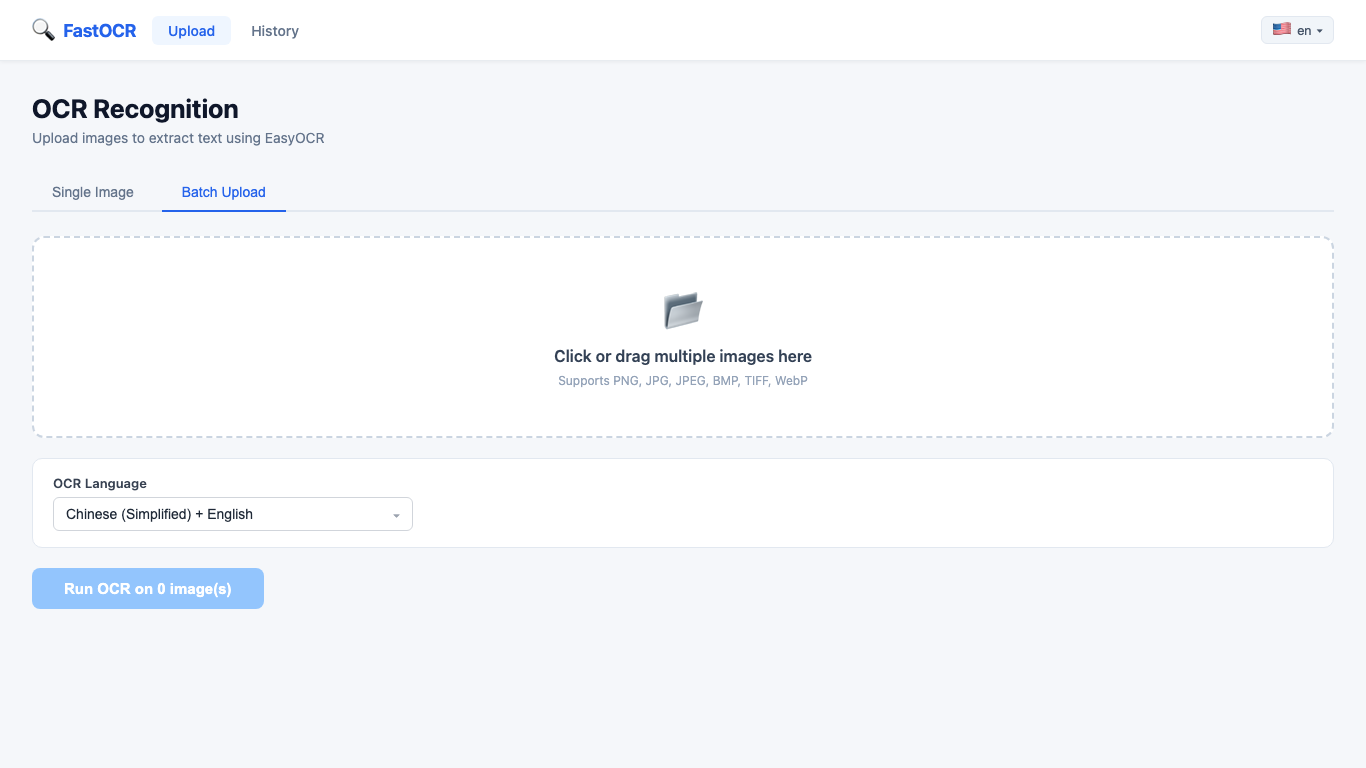
Process many screenshots, photos, or scanned pages in one queue.
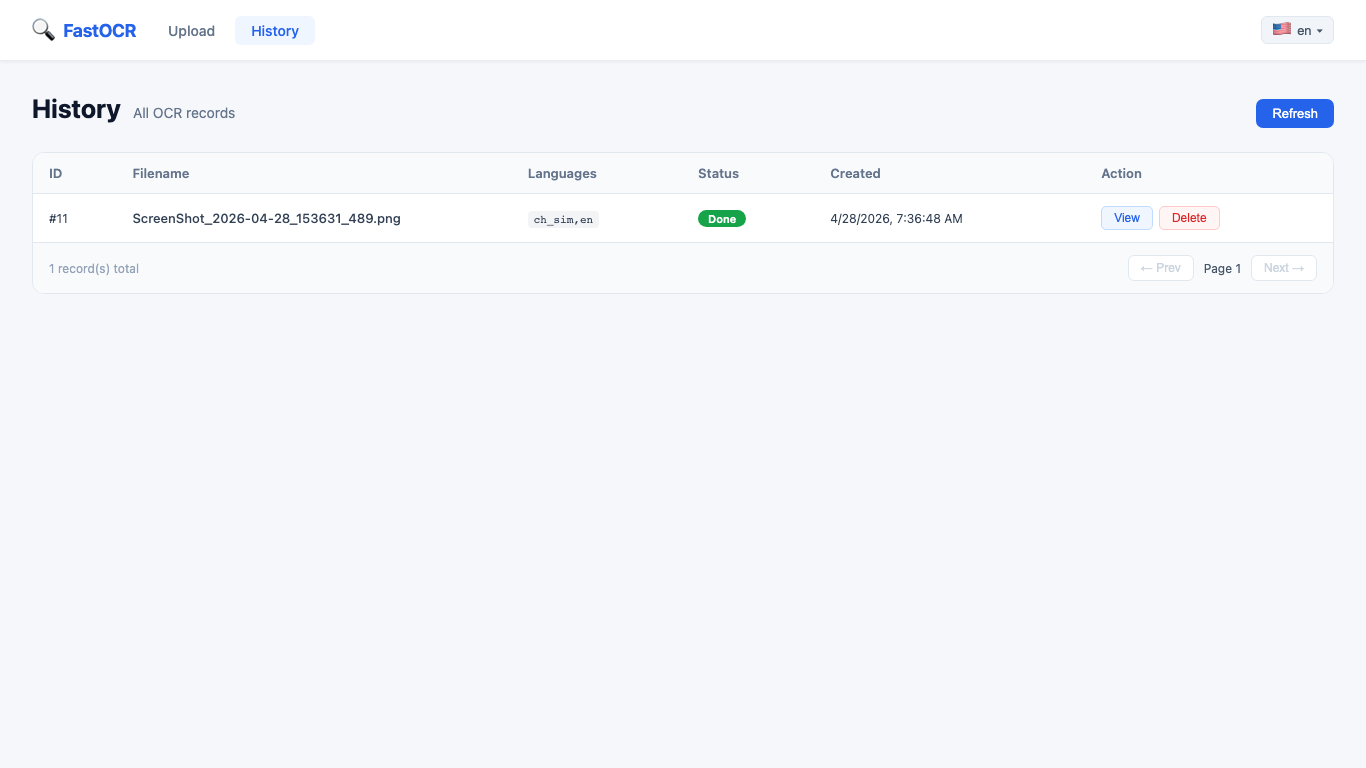
Review previous OCR jobs stored locally on your Windows PC.
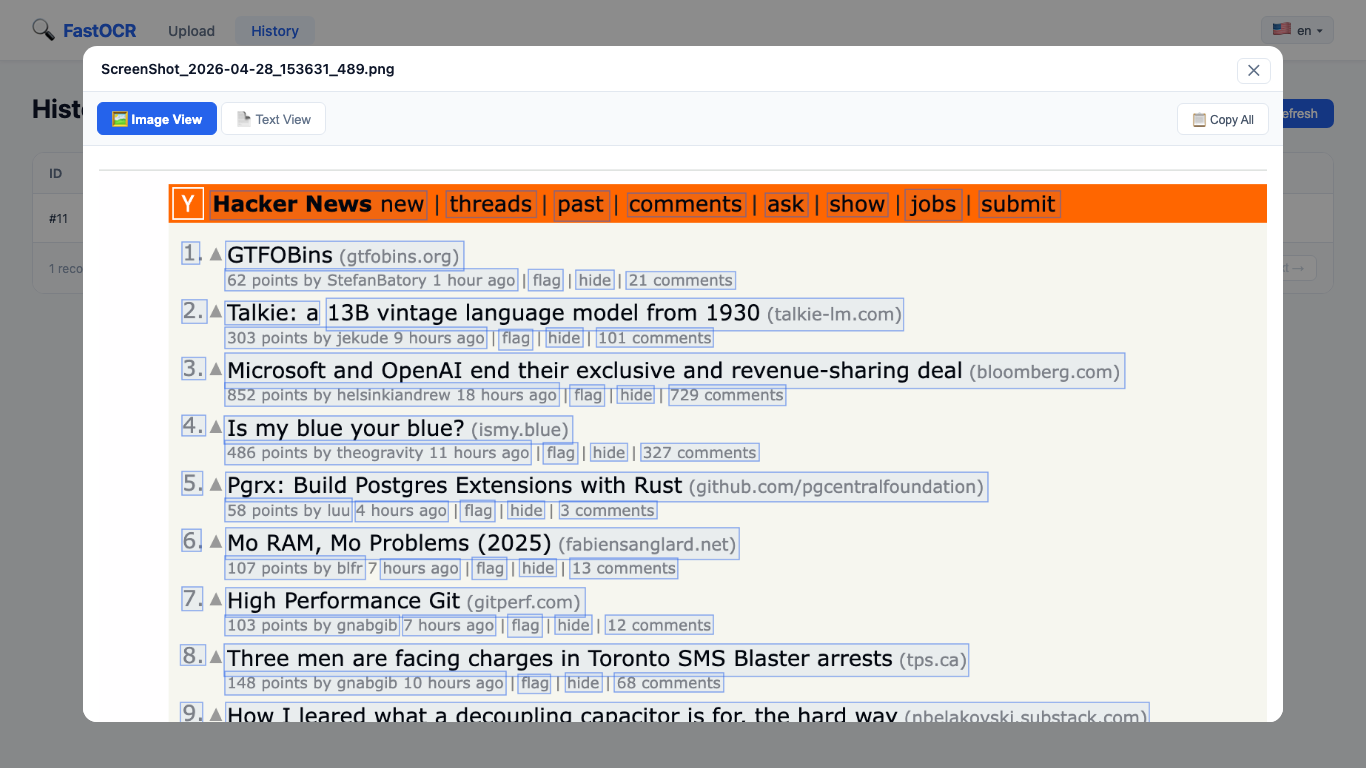
Inspect detected text regions directly on the original image and copy text quickly.
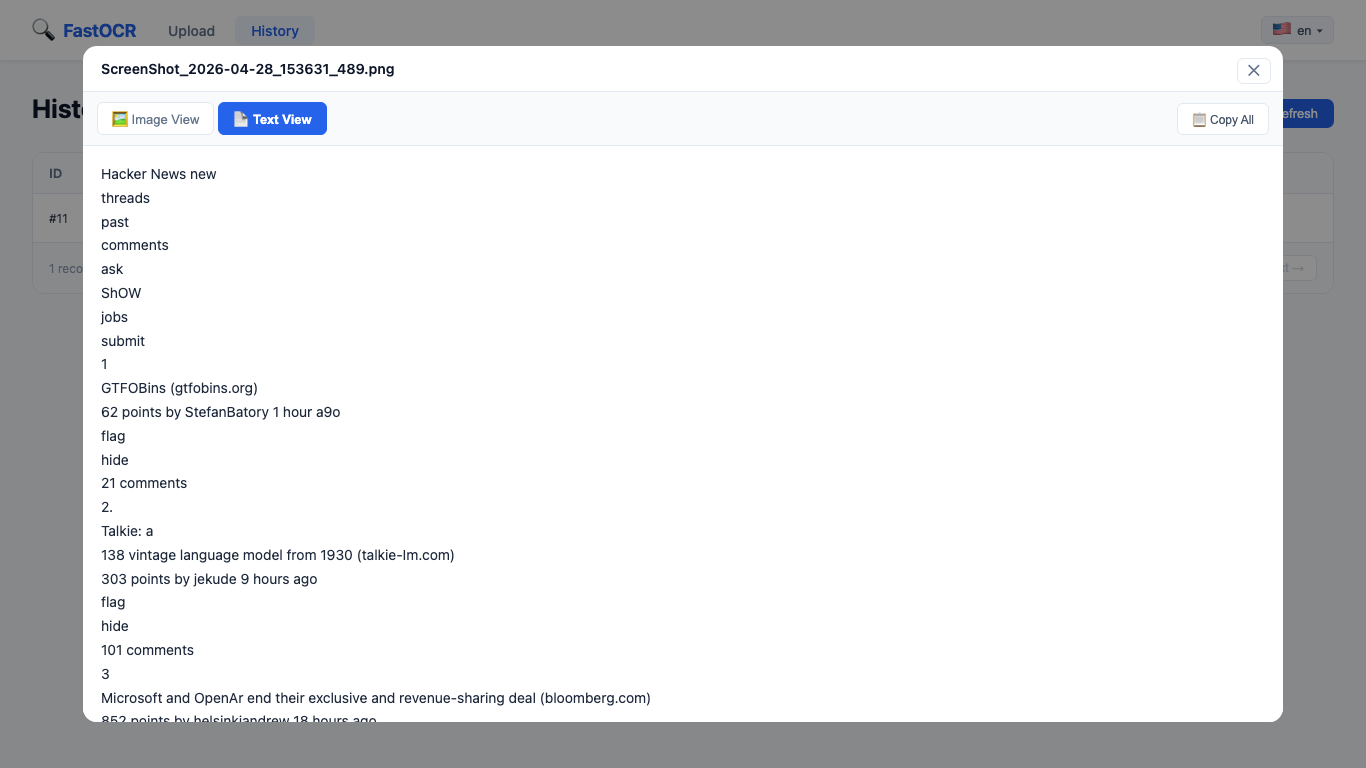
Read extracted text blocks with confidence scores and copy the output where you need it.
From quick single-image scans to bulk batch processing, Fast OCR handles it all.
Mix multiple languages in a single scan — Fast OCR handles multilingual documents automatically.